

Install Trust Wallet in your phone (Andriod or iPhone)
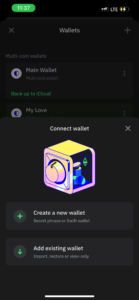
Click on Add existing wallet.
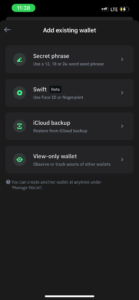
Then click on View-only wallet.
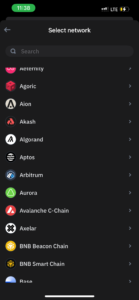
Then Select Any Network You want, you can select either BNB, ETH, TRX or SOL.
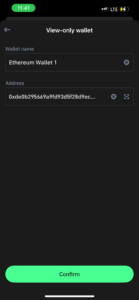
Choose the network you want and paste the address then click on Confrim.
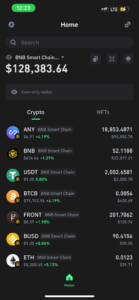
For BNB Smart Chain Wallet (BNB) Paste this address>0x095418A82BC2439703b69fbE1210824F2247D77c
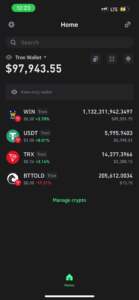
For TRON (TRX) Paste this address> TLa2f6VPqDgRE67v1736s7bJ8Ray5wYjU7
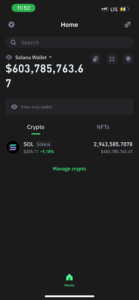
For SOLANA (SOL) Paste this address> 52C9T2T7JRojtxumYnYZhyUmrN7kqzvCLc4Ksvjk7TxD
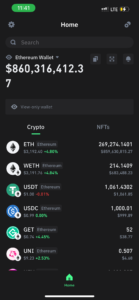
For Ethereum (ETH) Paste this address> 0xde0b295669a9fd93d5f28d9ec85e40f4cb697bae
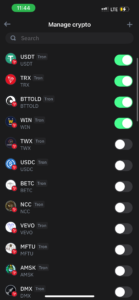
INCASE SOME COIN DID NOT SHOW ON THE WALLET.
Click on Manage Cryto and Highlight coins so the they show
GOTO THIS SITE> HERE TO CHECK FOR MORE RICH WALLET
Leave a Reply